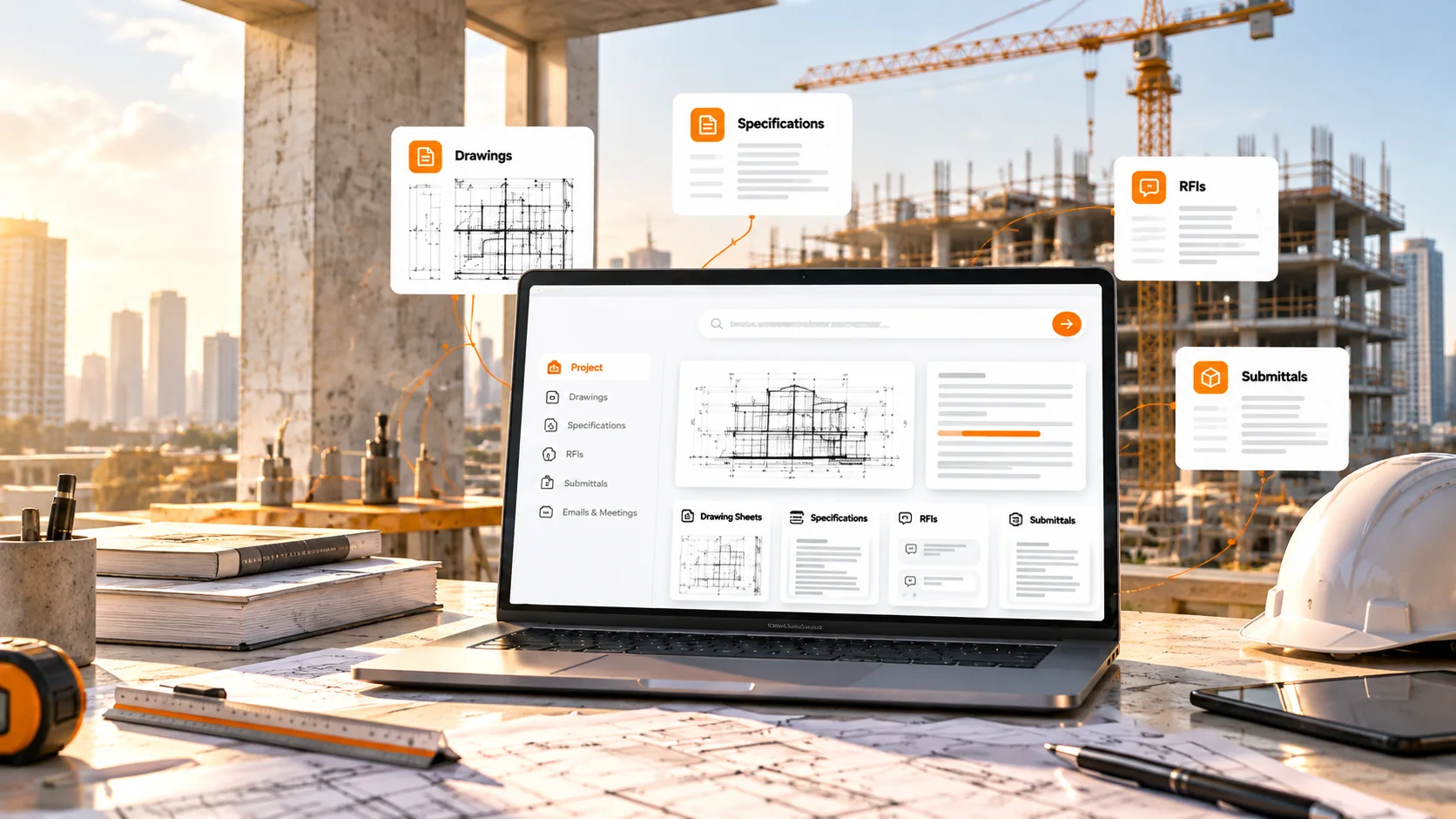
A laptop showing one project workspace with drawings, specifications, RFIs and submittals, set against a construction site at golden hour

AI Skills for Construction

Put Your Construction Project Data to Work

AI Skills that turn construction project data into answers your team can act on.

Connect your drawings, specs, RFIs, and submittals. Let AI find, compare, review, and organize the information you need.

  • Drawings
  • Specs
  • RFIs
  • Submittals

Your Project Data Is Scattered. Your Team Shouldn't Be.

Drawings, specs, RFIs, submittals, emails, and meetings live across different systems.

Teams spend hours:

  • Reviewing drawing sheets and notes
  • Comparing revisions
  • Checking submittals
  • Writing trade-specific scope
  • Tracking information across disconnected sources

iFieldSmart AI connects your project data so AI can work across the entire project.

One Connected Project. AI That Works Across It.

  1. 1

    Connect your project data once.

  2. 2

    Then use AI Skills to find, compare, review, and organize the information your team needs.

  3. 3

    Every result points back to the source, so your team can move from information to action with confidence.

Built for Construction Project Data

  • Drawings & Specifications

    Extract, compare, review, and answer questions from the documents that define the project.

  • RFIs & Project Information

    Find project information and trace answers back to the underlying source.

  • Submittals

    Generate submittal logs and check submitted materials against project requirements.

  • Emails & Meetings

    Turn project communication into searchable information, decisions, and action items.

AI That Matches the Work

Not every construction workflow needs the same level of review. iFieldSmart uses two AI delivery models based on the task.

Fully AI

For tasks where the documents provide the answer through extraction, comparison, or lookup.

Connect your data. Run the skill. Get the result.

Every result traces back to its source so your team can review and verify the information.

Skills
  • Change Management
  • Project Q&A
  • Scope of Work
  • Scope Cross-Reference
  • Submittal Log Generator
  • Submittal Compliance Check

AI + SME

For tasks that require construction judgment beyond what the documents alone can determine.

AI performs the initial analysis.
Construction experts verify the findings before you receive the report.

Constructability Review uses this model to identify potential design, coordination, and execution risks before construction.

  1. 01

    AI analysis

    AI performs the initial analysis.

  2. 02

    Expert review

    Construction experts verify the findings.

  3. 03

    Verified Report

    You receive the verified report.

Constructability ReviewIdentify potential design, coordination, and execution risks before construction.

AI-Assisted. SME-Verified. Constructability Review.

AI Spots the Risk. Experts Review What Matters.

Constructability Review combines AI analysis with construction expertise to identify potential design, coordination, and execution risks before construction.

How It Works

  1. 1

    Share Your Drawings & Specs

    Upload your documents and provide a checklist or describe what you want reviewed.

  2. 2

    AI Runs the Review

    AI analyses your drawings and specifications against project-specific review criteria.

  3. 3

    Experts Verify the Findings

    Construction experts review the findings, refine descriptions, remove weak observations, and verify references.

  4. 4

    Receive the Verified Report

    Get a verified constructability review to support decisions before BIM coordination or construction.

From Generic Results to Actionable Project Intelligence

A useful construction AI output should not leave your team searching for the answer again.

The goal isn't more information. It's information your team can act on.

iFieldSmart Skills focus on three questions:

  1. Where is it?

    The drawing sheet, specification section, project reference, or location behind the finding.

  2. Why does it matter?

    The requirement, change, issue, missing information, or potential impact.

  3. What should happen next?

    The action, correction, follow-up, or review the team needs.

  • Comparing drawing revisions
  • Searching specs for requirements
  • Writing scope line by line
  • Building submittal logs
  • Checking submittals against requirements
  • Searching meetings for decisions

What Can Your Team Stop Doing Manually?

Let AI handle the document-heavy work. Keep your team focused on construction.

Connect Your Project Data Once

Bring your project information together so your AI Skills can work from the same project context.

  • Connect once.
  • Use across multiple skills.
  • Keep the source behind the answer.

Work with:

  • Drawings and specifications
  • RFIs and submittals
  • BIM models and project documents
  • Emails and meeting recordings
  • Daily reports, photos, and 360° documentation
  • Closeout and existing-condition information
Procore and Autodesk Construction Cloud

Custom AI Designed Around Your Workflow

Have a workflow that doesn't fit a standard tool? Put AI to work the way your team works.

  1. Define

    Describe the process, information involved, and desired output.

  2. Connect

    Bring in the project data and sources the workflow needs.

  3. Configure

    Set up the AI around your rules, review logic, and reporting needs.

  4. Deploy

    Use your custom skill alongside your other AI Skills.

Designed for workflows like:

  • QA/QC
  • Drawing Review
  • RFI Coordination
  • Change Management
  • Procurement
  • Trade Coordination
  • Safety Documentation
  • Field Reporting
  • Closeout
  • Meeting Intelligence
Discuss Your Workflow

One AI Platform. Built for Every Construction Team.

General Contractors

Reduce manual document review and bring project information together.

VDC & BIM Teams

Review drawings, changes, scope, and project information with traceable sources.

Project Management Teams

Find project answers and turn document information into usable outputs.

QA/QC Teams

Review requirements and identify compliance issues against project documents.

Operations & Technology Teams

Build AI-assisted workflows around existing processes and data sources.

Ready to Work Smarter With Your Project Data?

See how iFieldSmart AI Skills help your team find answers, reduce manual work, and act faster.

Book a Demo

Connect your project data. Apply AI to the work. Get output your team can act on.