
Construction Drawings
Never Stay the Same
Bulletins. Directives. Revisions. Updated sheets.
And every new drawing set creates one question:
What changed?
Upload Revised Drawings
Drop bulletins, directives, or IFC sets. AI maps every sheet automatically.
Review Detected Changes
Visual clouds, overlay comparison, and numbered change markers.
Understand Project Impacts
AI explains scope, hours, and coordination impacts — instantly.
Construction Drawings Never Stay Static.
Construction projects continuously evolve. The IFC set is rarely the final version used during execution. As the project progresses, teams constantly receive:
Bulletin #12
Architectural revisions affecting the floor plan layout.
RFI #45
Structural query confirmed: Wall shifted 2 feet to accommodate steel framing.
MEP Overlay
New mechanical duct routing introduced clashes with existing plumbing lines.
Urgent Change
Immediate directive issued from the owner modifying room dimensions.
And every new revision means:
Someone has to manually compare what changed.
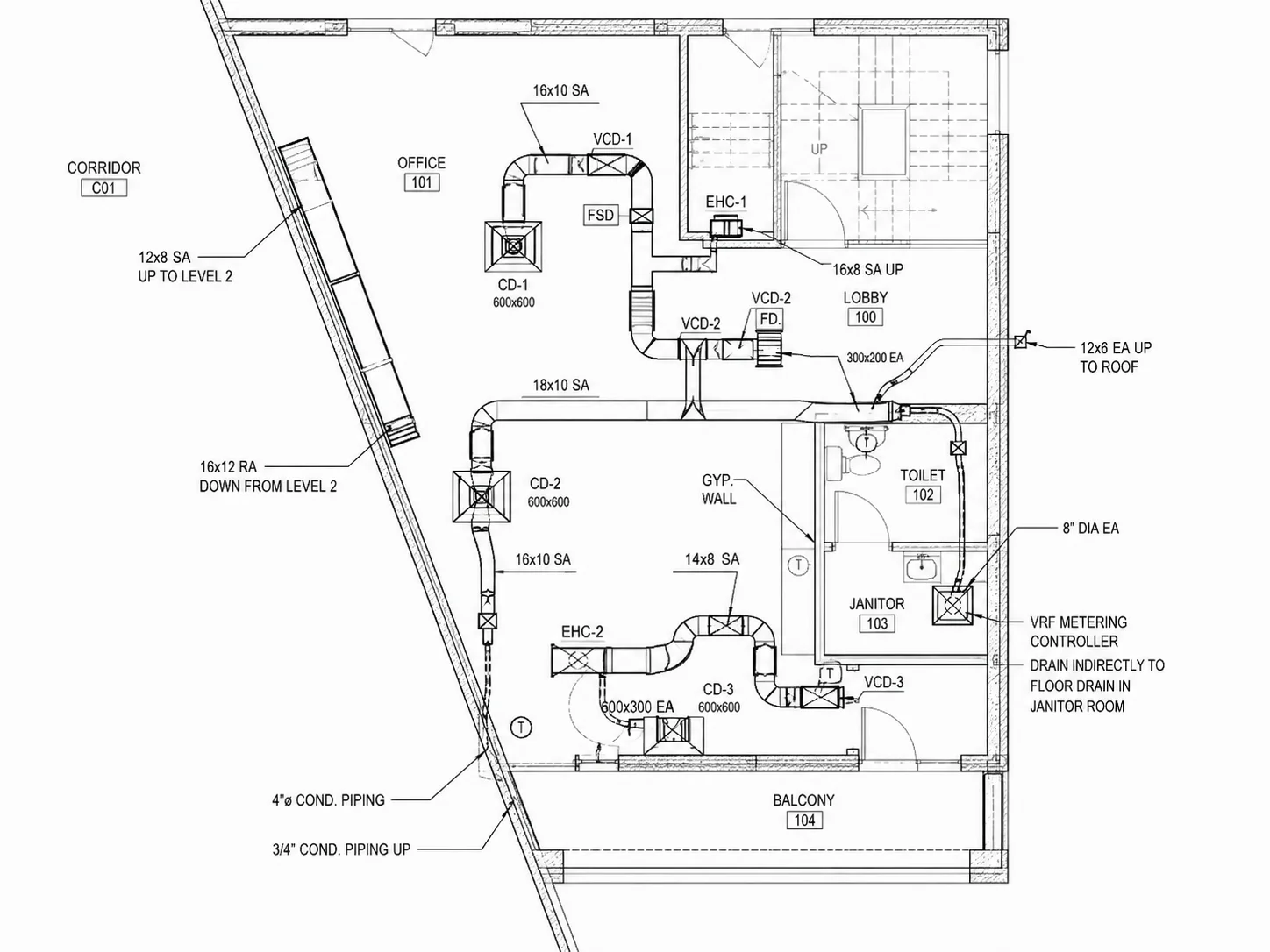
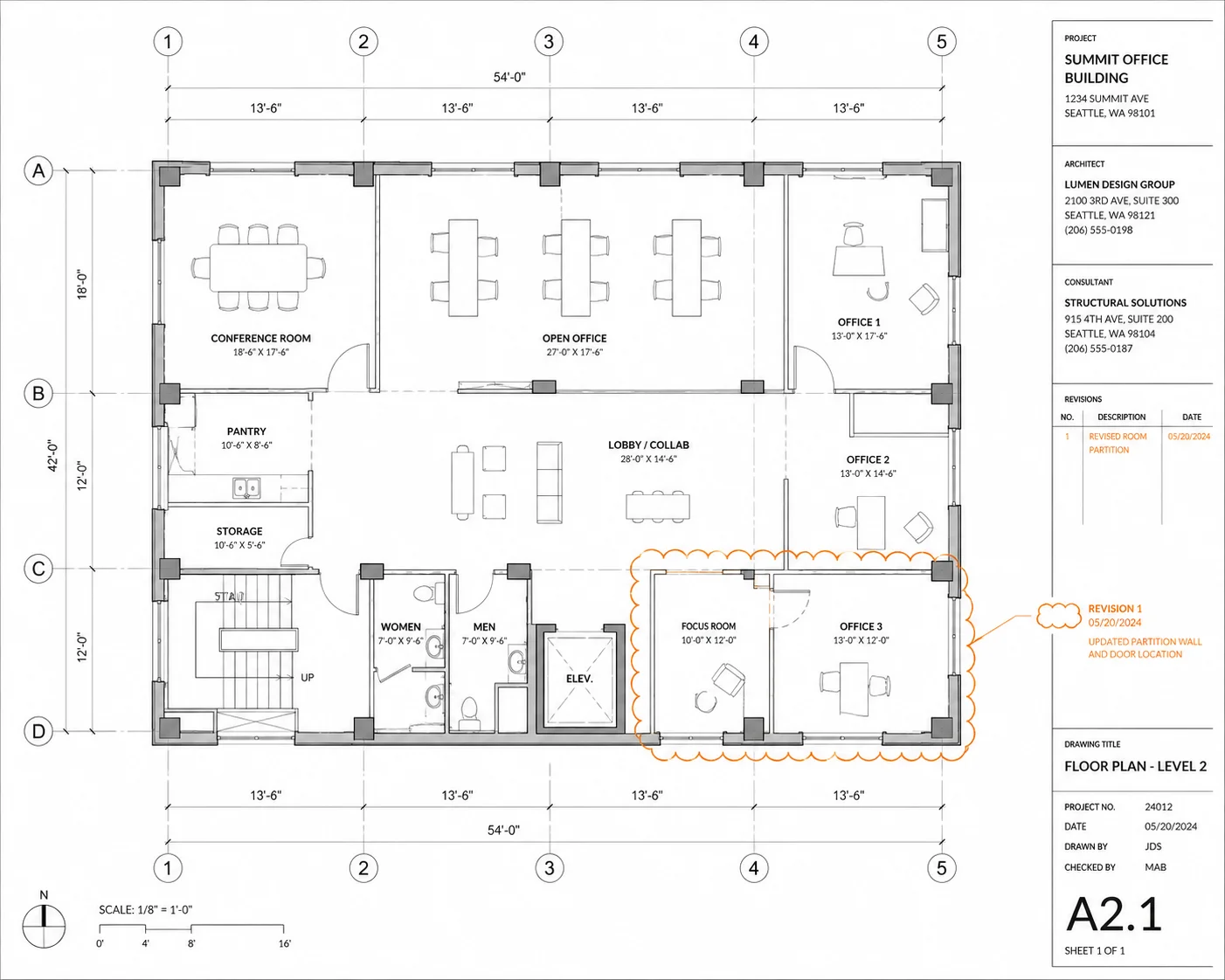
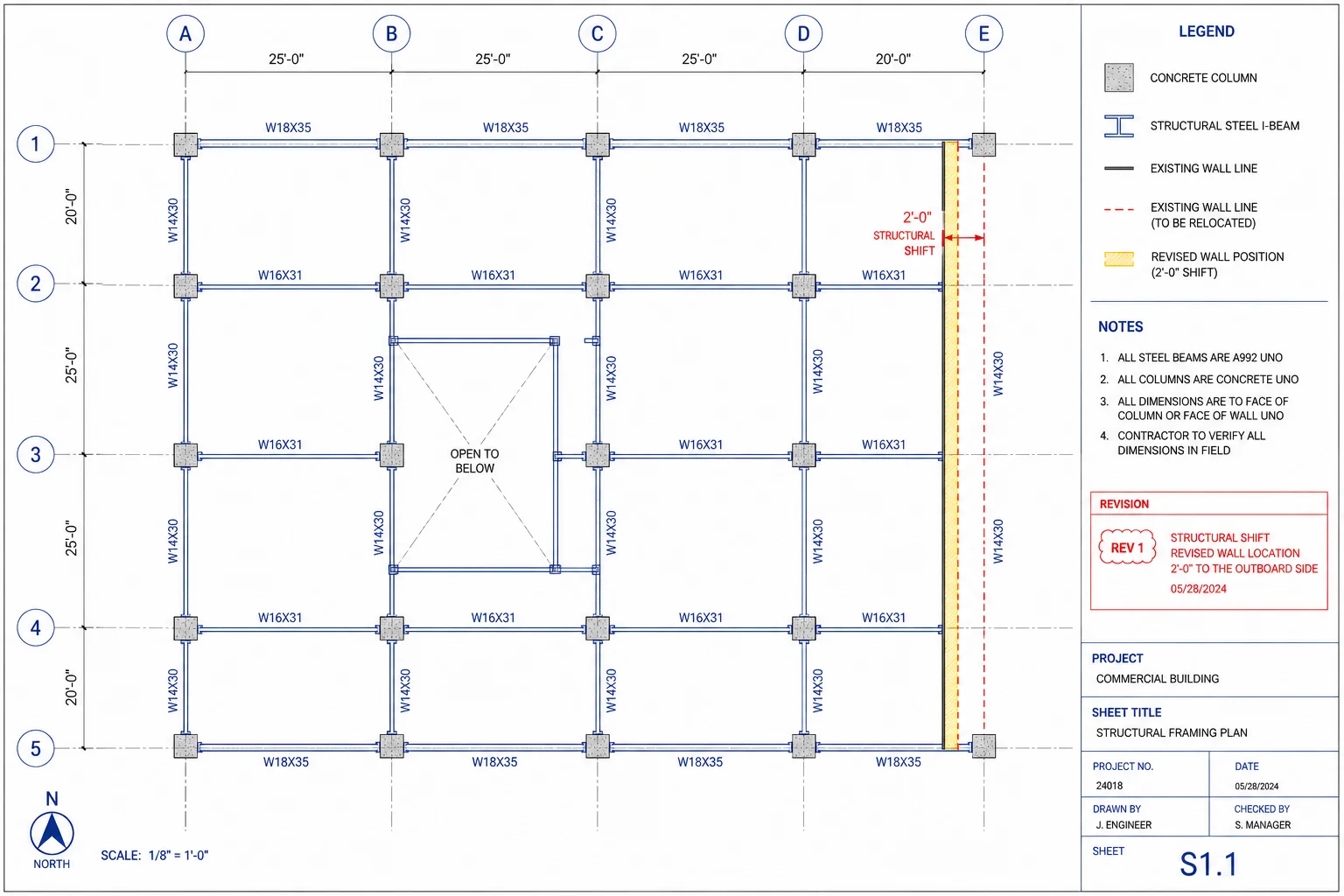
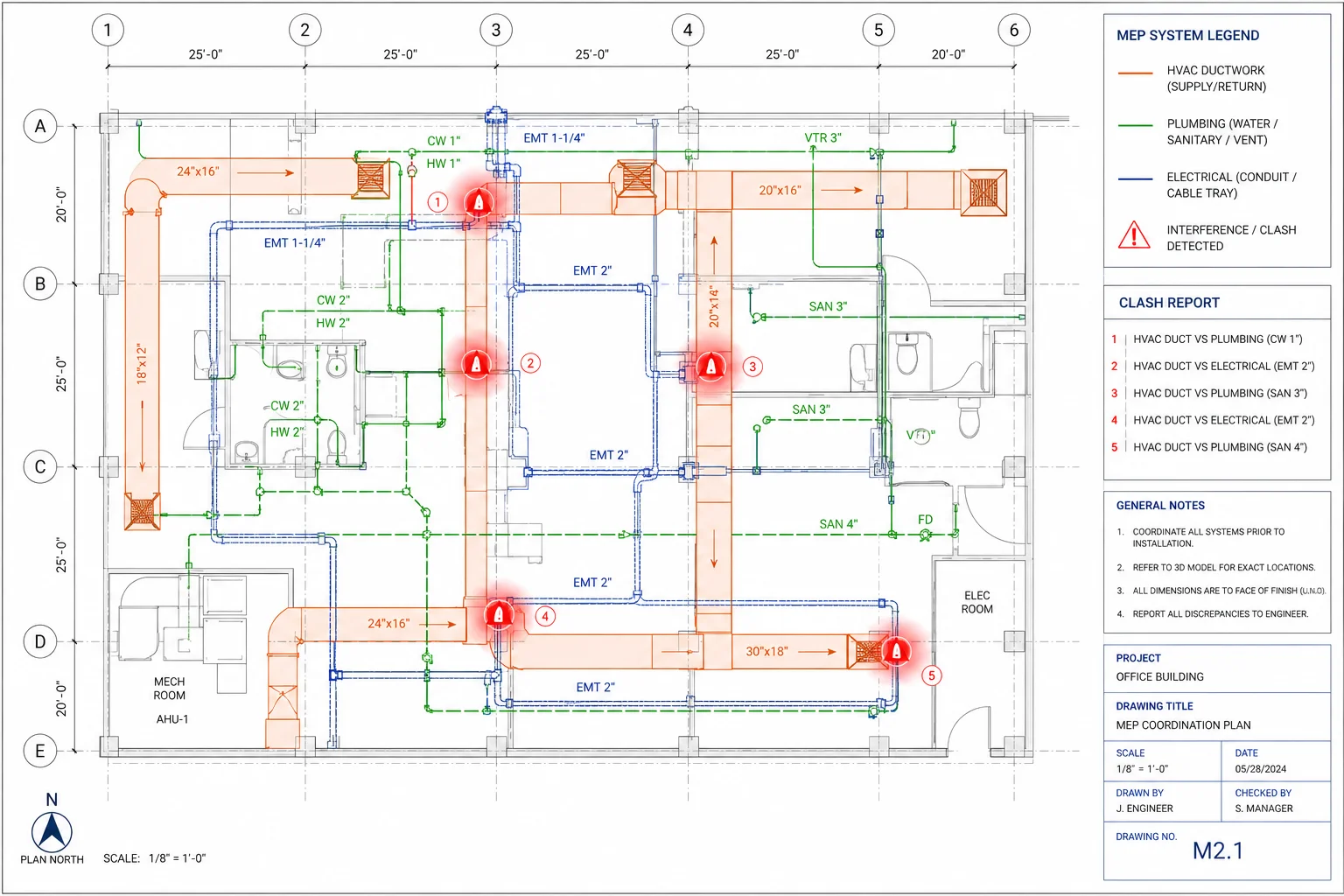
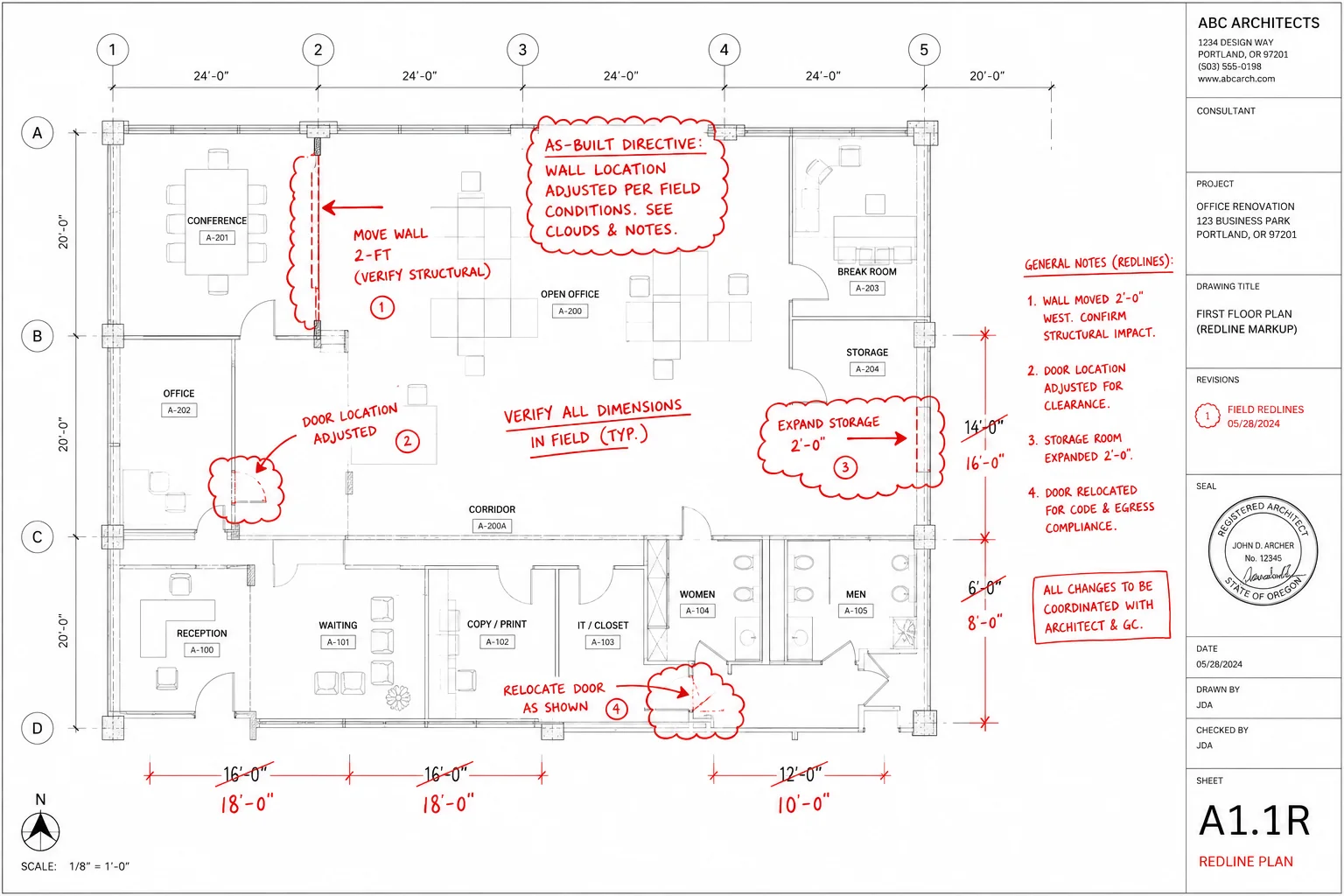
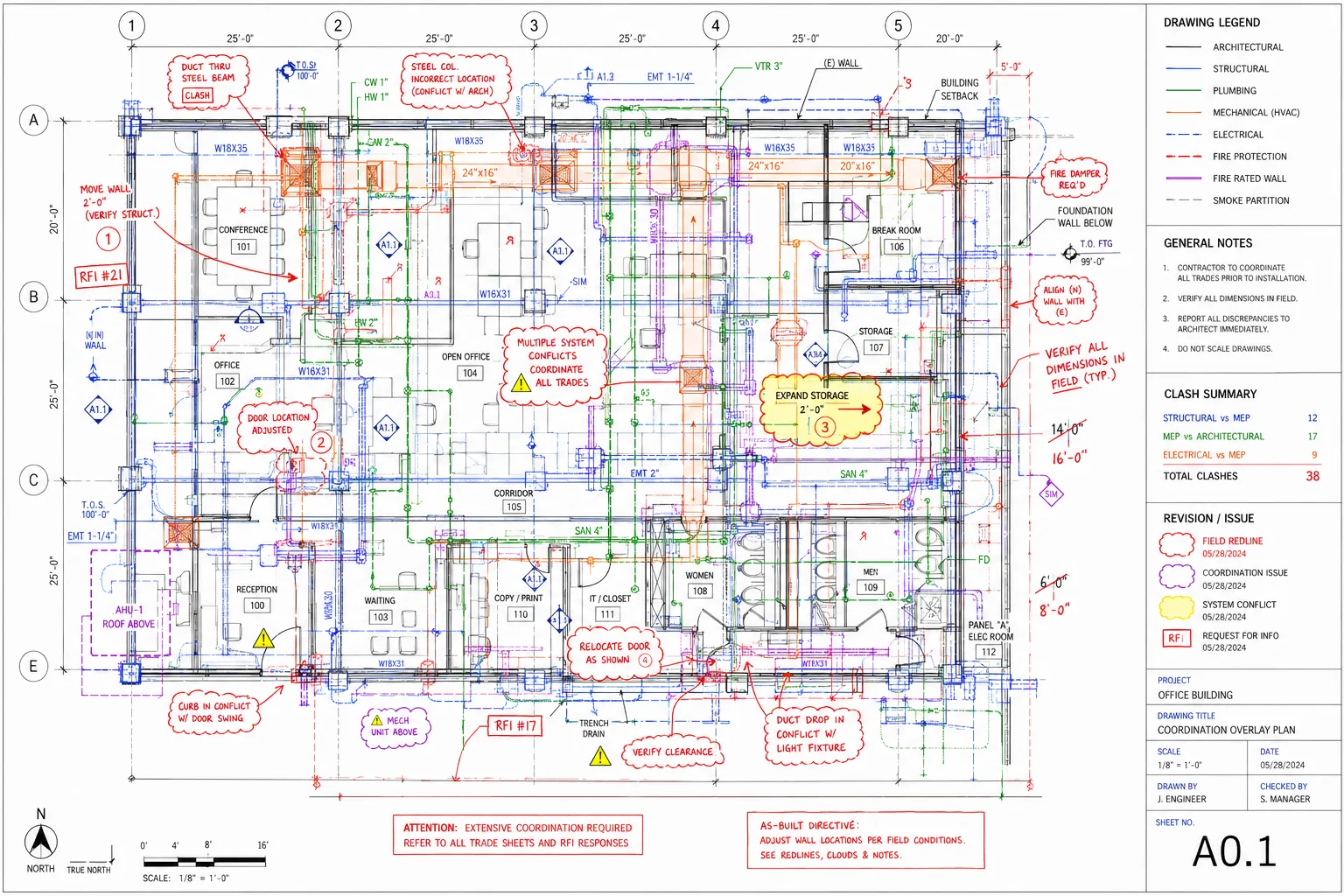
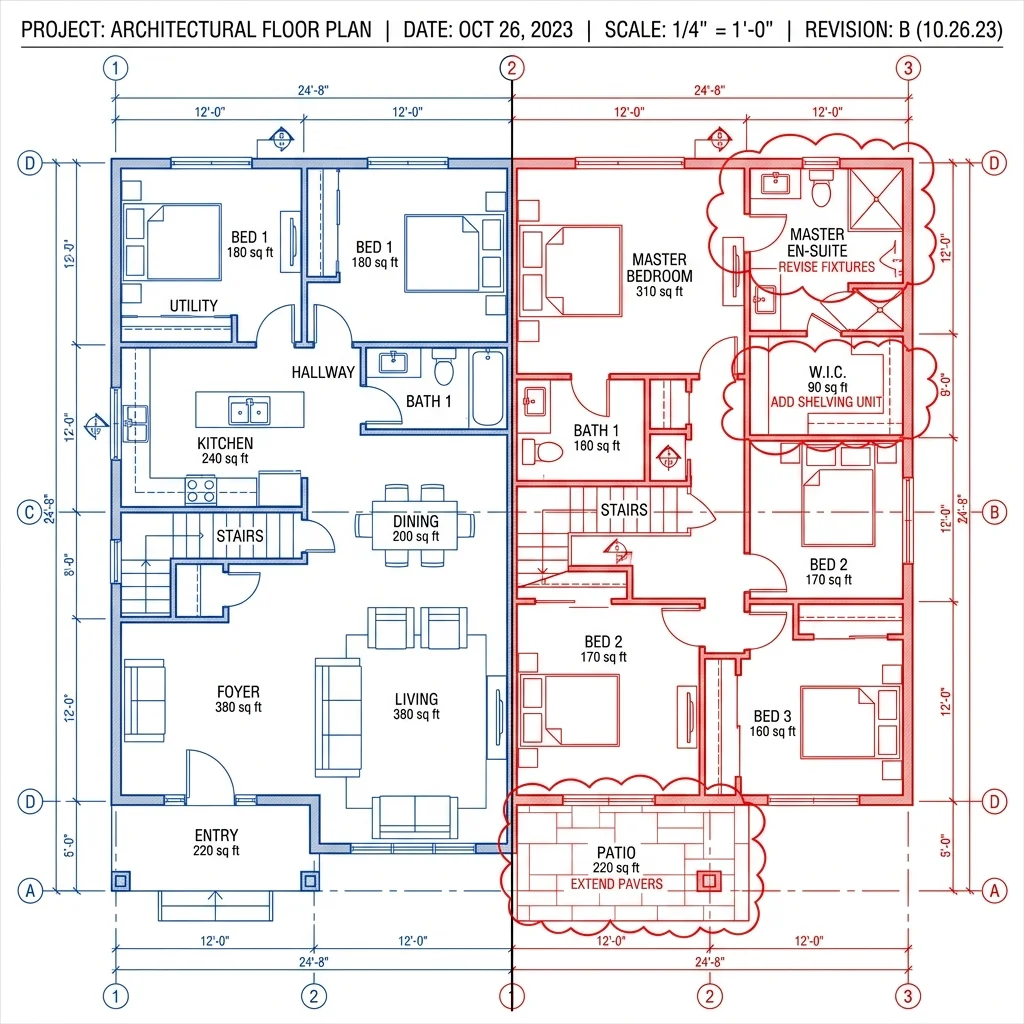
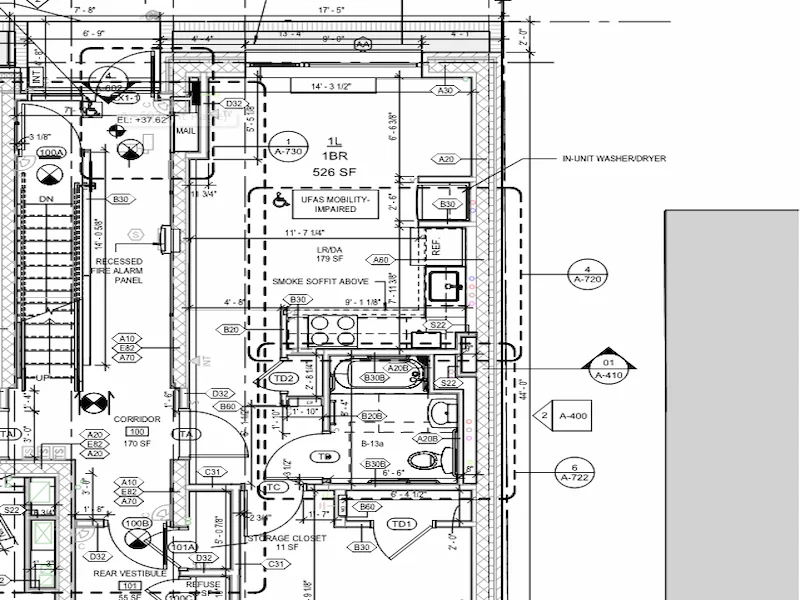
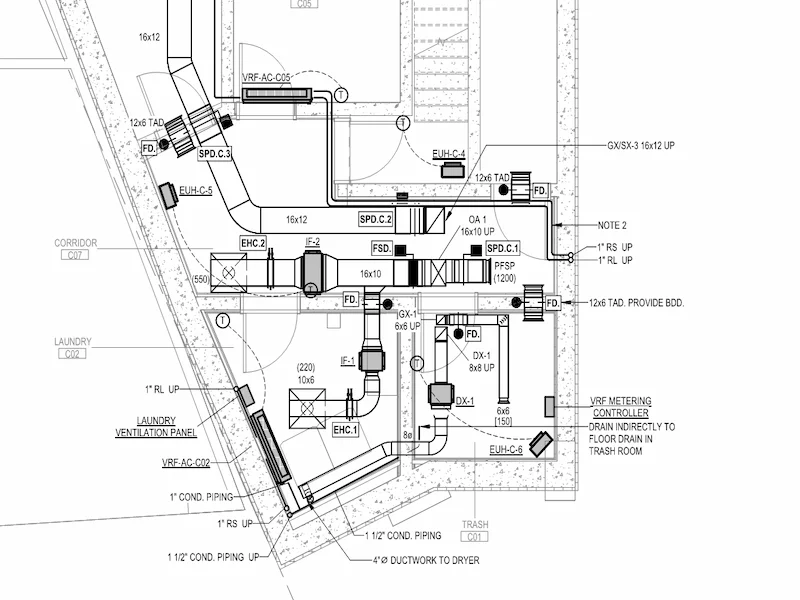
Found in M201
EA01 - Change not checked
Impact not estimated
A103 not compared
- A101 - 14 changes ›
- A102 - 9 changes ›
- A103 - 11 changes ›
- M201 - 7 changes ›
- E401 - 13 changes ›
Manual Revision Review
Was Never Built For Scale
Drawing revision review is still heavily manual. Teams spend hours overlaying PDFs, comparing sheets, reviewing revision clouds, and documenting changes manually across large drawing sets.
Overlay PDFs Manually
Teams manually compare revisions sheet-by-sheet using static PDFs and visual review workflows.
Compare Sheets Side-by-Side
Reviewers constantly zoom, pan, and switch between drawing versions searching for changes.
Search for Revision Clouds
Revision clouds are reviewed visually, making hidden or unmarked changes easy to miss.
Build Change Logs Manually
Teams document revisions manually across hundreds of sheets and bulletins.
Now Your Drawing Revisions
Can Be Analyzed Automatically
Change Management AI helps construction teams compare revised drawing sets against previous versions — automatically, precisely, and in minutes.
Upload Your IFC Drawing Set
Upload your original IFC drawing set as the project baseline. All sheets are automatically indexed and catalogued.
Upload Revised Bulletins or Directives
Upload revised bulletin or directive drawings as they arrive. Supports IFC, PDF, and multi-sheet drawing packages.
Let the AI Analyze the Changes
The system automatically maps revised drawings to previous versions and starts revision analysis — no manual work needed.
The AI Overlays & Analyzes
Revisions Automatically
Once the revised set is uploaded, the AI takes over — no manual comparison required.
Review changes directly inside the drawing viewer.
Every detected revision is overlaid, highlighted, and explained by AI so your team can understand exactly what changed—and why it matters.
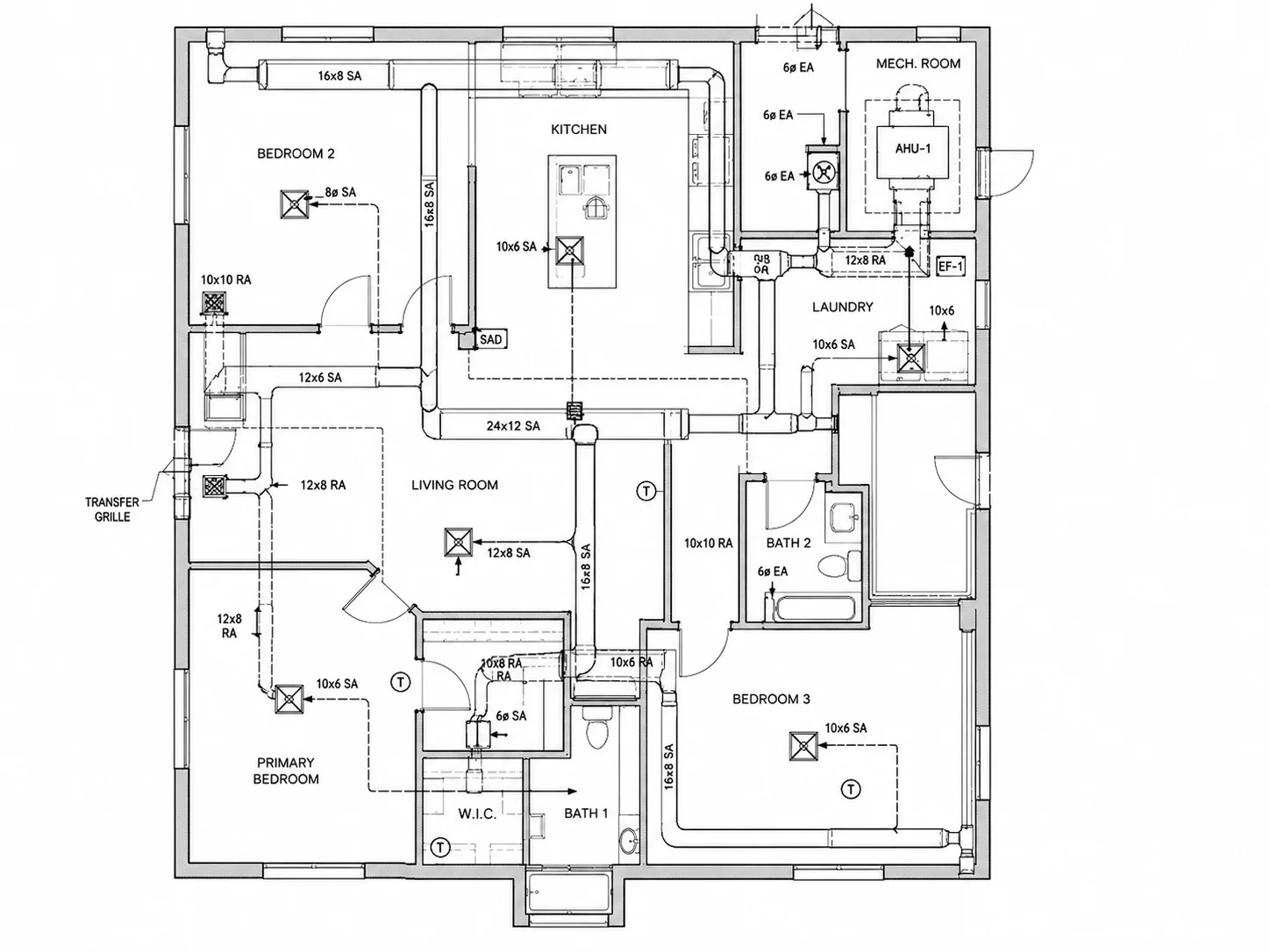
- Wall moved 2 feet
- Mechanical room enlarged
- Electrical panel relocated
- Door swing conflict updated
Mechanical room enlarged
Structured Revision Intelligence
Ready for Review.
Instead of manually comparing revisions sheet-by-sheet, the AI organizes every detected change into visual review outputs, structured logs, and contextual intelligence.
- Old vs new comparison
- Overlay mode
- Change clouding
- Visual markups
- Change IDs
- Descriptions
- Categories
- Discipline impacts
- What changed
- Where it changed
- What may be impacted
- Estimated hours
- Cost considerations
- Scope impact workflows
Mechanical room enlarged
Mechanical room expanded approximately 4'-0" towards the east.
Mechanical room expanded 4'-0" east to accommodate new HVAC equipment, impacting adjacent duct routing and clearances.
From manual bulletin review →
AI-assisted revision intelligence
Stop wasting hours tracing physical lines. Transition to instant, visual revision context.
1. Overlay & Compare
Manually align sheet revisions side-by-side or on lightboxes
2. Identify
Squint to locate microscopic line changes across dense sheets
3. Document
Draft manual change logs, write revision details, and RFI reports
4. Review
Coordinate changes across engineering disciplines and wait for updates
1. Upload
Upload baseline and revised sheets in seconds directly to VDC
2. Analyze
AI maps, parses, and identifies every single difference instantly
3. Review Visually
Visually review changes instantly with animated revision clouds
4. Export & Action
Generate clean digital logs and export reports for trade coordination
A single revision can impact
the entire construction workflow.
As projects grow, revision tracking becomes harder. One unnoticed drawing update can create downstream coordination, procurement, fabrication, and installation issues.
One revision intelligence layer for every construction stakeholder.
Designed for the people who review changes, coordinate trades, price scope, and move work from preconstruction to field execution.
Frequently Asked Questions
Find answers to common questions about Change Management AI, drawing revisions, bulletin comparisons, change detection, visual review workflows, and business value.
Can't find the answer you're looking for?
Our team is here to help you get the most out of iFieldSmart AI.
Construction revisions shouldn’t require hours of manual comparison.
Understand what changed — faster and more visually.