AI-Powered Scope of Work

Stop Writing Scope Manually.

Generate trade-specific Scope of Work directly from your drawings and specifications.

  • Ask your project.
  • Get structured scope.
  • Export it instantly.
Built for estimators, preconstruction teams, and project leaders.
Ask
AI

Project Intelligence Engine

Scope Composer v1.0
Agent Active
Current Reality

Scope is already in your drawings. You just have to find it.

The manual process of creating scope is time-consuming, error-prone, and exhausting. Here's what it really looks like:

The Manual Process ~4 hours
01
Review drawings
Check every sheet manually
02
Go through specs
Read 200+ pages
03
Pick up notes across sheets
Jump between 5+ drawings
04
Write scope - line by line
Slow, tedious typing

It takes time.

And even then - things get missed.

Hold to pause · Click to navigate
01
Review Drawings
ELECTRICAL PLAN - SHEET E-101
24'-0"
18'-6"
02
Go Through Specs
📄 26_Electrical_Specs.pdf 247 pages
PART 1 - GENERAL
1.1 SUMMARY
Section includes electrical work requirements...
1.2 COORDINATION
Coordinate with architectural drawings
Verify dimensions before installation
Submit coordination drawings
1.3 SUBMITTALS
Product data required
Shop drawings for panels...
1.4 QUALITY ASSURANCE
Comply with NFPA 70
Important
!
Check this
📌
Note
03
Pick Up Notes Across Sheets
A-101 - Architectural
See E-201
E-201 - Electrical
Coord M-301
M-301 - Mechanical
Check A-101
P-102 - Plumbing
Verify S-201
S-201 - Structural
See E-201
Check E-201 detail 3
Coord w/ MEP
Verify dims!
See spec 26.05
Missing info?
Jumping between
5+ sheets...
04
Write Scope - Line by Line
📄 Scope_of_Work.docx
3 hrs elapsed
1. Install electrical panels per schedule
2. Run conduit to main distribution
3. Connect HVAC controls and verify
4. Coordinate with mech|
5.
6.
So slow...
Still typing...
05
It Takes Time
Scope of Work - COMPLETE
📅 3 hours 47 minutes
ELECTRICAL SCOPE
✓ Electrical panels
✓ HVAC controls
✓ Plumbing fixtures
✓ Lighting systems
3h 47m
Time Spent
📄 Multiple revisions
Cross-checking sheets
Mental exhaustion
Finally done...
06
And Even Then...
Scope of Work - Complete
✓ Electrical panels
✓ HVAC controls
✓ Plumbing fixtures
✓ Lighting systems
And even then -
things get missed.
MISSED
Fire alarm system
Sheet E-205
Impact: High
MISSED
Core drilling coordination
Sheet M-301
Impact: High
MISSED
Structural coordination
Sheet A-101
Impact: Medium
3 critical items missed
Potential rework and delays
Why It Breaks

Scope creation isn't hard. Finding everything is.

Scope doesn't live in one place. It's scattered across your project.

Re-checking everything - again and again Teams loop through the same documents to verify what was already reviewed
Relying on experience instead of certainty Too much depends on who reads the package and what they catch
Still not sure if something was missed Even after all that effort, doubt remains about hidden gaps
Architectural Drawings
MEP Sheets
Specifications Documents
General Notes
No single place to bring it all together
Introducing the Skill

Ask your drawings what you need to know.

With iFieldSmart AI, manual searching ends. Upload your drawings and ask:

  • "Show mechanical notes related to ceiling coordination"
  • "Where do plumbing and structural overlap?"
  • "Who owns sleeve coordination?"

AI reads your drawings, finds the exact location, and gives you the answer - instantly.
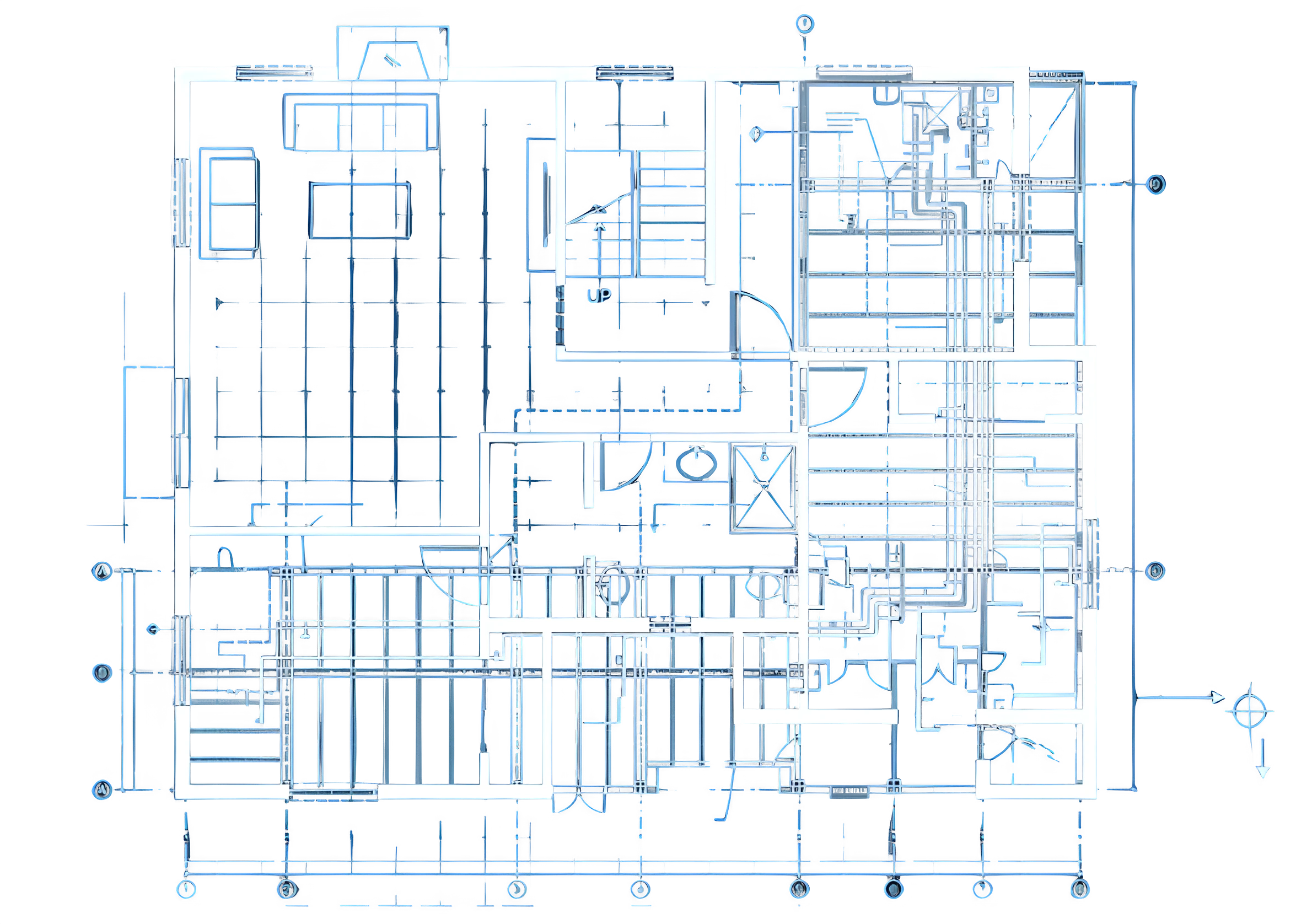
Architectural Blueprint
AI Found It

TEST TEXT - If you see this, CSS is working!

AI Found It

TEST TEXT 2 - If you see this, CSS is working!

AI Found It

TEST TEXT 3 - If you see this, CSS is working!

What Happens Behind the Scenes

Every note. Every sheet. Made visible.

The system doesn't create new information. It reads what's already there, connects it, and turns it into something you can actually use.

Notes across all drawings All sheets

Every numbered note, exactly as written - no paraphrasing

Spec references Spec refs

Section calls, code citations, and local amendments

Cross-discipline mentions All trades

References spanning structural, MEP, and architectural sheets

iFieldSmart AI
Live

Connects all sources to your question - traceable to every drawing.

3 Sources
50+ Sheets
0s Delay
AI-GENERATED SCOPE OF WORK
Electrical Trade Package  ·  Auto-Generated
Confidence94%
Sources12 refs
Project Westfield Tower - Phase 2
Trade Focus Electrical Systems
Drawings Analyzed E-101, E-201, E-301
Spec Sections 26 05 00, 26 27 26
01 Install main electrical panel (400A) per E-101 grid A3
02 Route conduit from panel to distribution points per spec 26 05 00
03 Install LED lighting fixtures (47 units) with emergency backup per E-201 layout and NEC 2020
AI Confidence: 96% | Source: E-201, Spec 26 27 26
04 Coordinate with fire alarm system integration per E-301
05 Submit electrical load calculations and as-built drawings
Output You Can Actually Use

Get scope you can actually use.

Real deliverables - structured, exportable, and ready for execution.

W

Trade-specific Scope of Work

Word Document

AI-GENERATED ELECTRICAL SCOPE

Project: Westfield Tower - Phase 2 | Confidence: 94%

  • Install main electrical panel (400A) per E-101 grid A3
  • Route conduit from panel to distribution points per spec 26 05 00
  • Install LED lighting fixtures (47 units) with emergency backup
X

Structured scope breakdowns

Excel Spreadsheet
Field Details
Trade Focus Electrical Systems
AI Confidence 94% (High)
Sources Analyzed E-101, E-201, E-301
Spec References 26 05 00, 26 27 26
PDF

Exhibit B / Contract-ready

PDF Document

AI-GENERATED EXHIBIT B

Contract-Ready Scope Document

Project: Westfield Tower - Phase 2

Trade: Electrical | AI Confidence: 94%

AI-GENERATED SCOPE OF WORK:

  1. Install main electrical panel (400A) per E-101
  2. Route conduit and install LED fixtures (47 units)
  3. Coordinate fire alarm integration per E-301
Workflow Shift

From manual → to structured output

BEFORE
Multiple handoffs
1
Review
Read drawings manually
2
Interpret
Understand specifications
3
Write
Draft scope document
4
Revise
Check and correct errors
Slow & Error-prone
VS
NOW
One connected flow
1
Ask
Upload drawings to AI
2
Generate
AI creates structured scope
3
Export
Download as Excel/PDF
Fast & Accurate
Why It Matters

Scope clarity starts here.

Manual scope writing is slow and error-prone. Our AI scans every drawing and spec note to instantly extract complete, trade-specific scopes so you never miss a costly line item.

1

Trade responsibilities are easier to assign.

When scope is extracted directly from drawings, every trade knows exactly what they're responsible for — no guesswork, no disputes.

Team Clarity
2

Buyout becomes substantially smoother.

A complete, well-defined scope document accelerates vendor negotiations and reduces back-and-forth by surfacing all requirements upfront.

Faster Buyout
3

Zero gaps and overlaps in later project phases.

Missing scope discovered mid-construction is expensive. AI-extracted scope from drawings catches everything before it becomes a costly change order.

Risk Reduction
FAQ

Frequently Asked Questions

Find answers to common questions about trade-specific Scope of Work generation, drawings and specs analysis, preconstruction estimating, and validation workflows.

Swipe horizontally to view all categories
Answer: AI scope of work helps construction teams organize drawings and specifications into trade specific scope information for estimating, bidding, and preconstruction review workflows.
Answer: The AI reviews construction drawings, notes, schedules, and specifications to help identify trade responsibilities, project requirements, and coordination items across multiple disciplines.
Answer: The platform is designed to analyze PDF drawing sets and specification documents to help teams generate structured scope outputs for preconstruction and bidding workflows.
Answer: Manual scope review often requires teams to go through hundreds of drawing sheets and specification pages to piece together trade responsibilities. AI helps organize that information faster while keeping scope items connected to source documents for review and validation.
Answer: AI scope automation helps reduce manual review effort, improve coordination between trades, identify missing scope items earlier, and create a more organized preconstruction workflow.
Answer: The platform is built to support analysis of architectural drawings, MEP plans, structural documents, specification manuals, schedules, general notes, addenda, and bid related construction documents.
Answer: Yes. The system is designed to review specification documents and connect relevant requirements to related scope items and drawing references.
Answer: The platform transforms drawings, specs, notes, and schedules into connected workflows for estimating, scope coordination, and preconstruction review.
Answer: Generated scope items are intended to remain connected to related drawings and specification references for easier review and validation.
Answer: No. The system works with information already contained within the project drawings and specifications. It helps organize and connect that information into a clearer review workflow.
Answer: Yes. Estimators can use the platform to organize project information faster, reduce manual drawing review effort, and improve visibility into trade specific requirements.
Answer: The platform is designed to simplify scope review across drawings and specifications so subcontractors can review coverage and prepare bids with greater clarity.
Answer: The platform is designed to help GC review trade coverage, compare subcontractor responsibilities, and identify coordination gaps before bidding or contracting.
Answer: The system brings drawings, specifications, and scope information into a more organized review process so teams can validate trade coverage and coordinate responsibilities earlier in the project lifecycle.
Answer: Yes. Smaller contractors and subcontractors can use the platform to reduce manual scope review effort and move through preconstruction workflows more efficiently without large estimating teams.
Answer: The platform is designed to support structured scope outputs that can be used for subcontract agreements, bid packages, and Exhibit B documentation.
Answer: Yes. Teams can review, edit, validate, and refine generated scope outputs before exporting them for estimating, bidding, or contract workflows.
Answer: The platform connects information across drawings and specifications to help teams identify missing responsibilities, coordination conflicts, and overlapping trade scope earlier in the review process.
Answer: No. The platform is built to support estimators and preconstruction professionals by helping organize and review construction information more efficiently while keeping people in control of decisions and validation.
Answer: Yes. Subcontractors can use to create organized scope breakdowns tailored to their trade for estimating, bidding, and coordination workflows.

Can't find the answer you're looking for?

Our team is here to help you get the most out of iFieldSmart AI.

Contact Support
EARLY ACCESS

Your drawings already define the scope. Now you can use it.

Generate Scope of Work just by asking.

Join 500+ construction professionals on the waitlist
