
Custom AI for Construction Workflow Intelligence: The Next Evolution of Construction Software

Summarize this post:
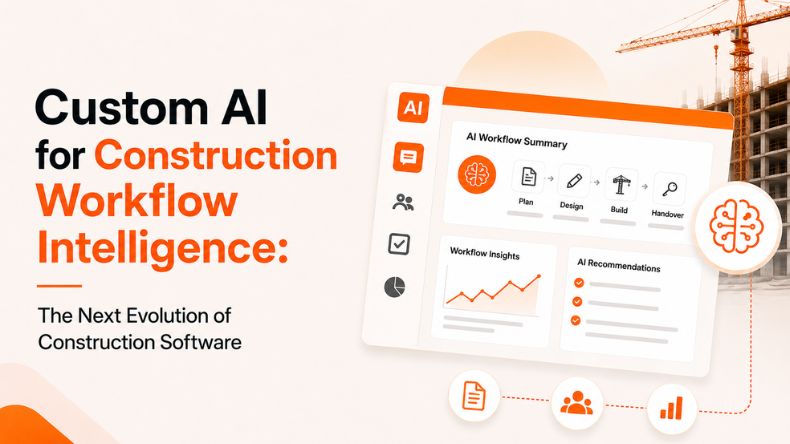
Instantly extract the key takeaways from this article using AI.
Construction jobs produce a steady stream of project data. RFIs, submittals, drawings, BIM models, emails, and site reports. The records continue to grow, but the way the teams work with them hasn’t changed much.
Most construction software does a decent job of storing and organizing this information. The difficulty comes later, as teams try to react to it. Still, people spend time searching for files, chasing updates, and piecing together context about specific systems.
Here’s the thing. The problem is not data availability. The problem is workflow execution.
Custom AI Skill shifts that balance. It turns static construction software into something that actually supports how work moves day-to-day. Not just storing information, but helping teams use it.
That shift is what we call workflow intelligence.
Custom AI in construction refers to AI systems that understand and support construction workflows by adapting to project data, operational processes, and coordination requirements.
Unlike generic AI tools, custom AI aligns with how construction teams actually operate. It connects directly with project data such as RFIs, submittals, drawings, specifications, BIM models, daily reports, meeting notes, and project communication systems.
By linking the data sources, custom AI builds intelligence around actual construction workflows instead of disconnected data..
It does not replace existing construction processes. Instead, it enhances them by leveraging automated coordination, improving visibility across teams, and reducing guidance efforts in day-to-day operations.
Most construction platforms focus on one job. Store project data and keep it organized.
That works up to a point. But construction work does not move in clean, isolated buckets. It moves through conversations, decisions, revisions, and dependencies.
Teams still run into the same issues:
Even platforms like Procore and Autodesk Construction Cloud centralize data well, but the workflow depends on human coordination.
So the gap is not storage. It is flow.
Data exists. Execution slows down.
Workflow intelligence occurs when AI begins to understand how construction work flows.
Not just reading documents, but understanding relationships between them. Not simply saving updates, but recognizing what they imply in context.
Workflow intelligence helps AI:
In simple terms, it turns construction software into something that participates in the workflow instead of just recording it.
Custom AI does not replace existing processes. It sits inside them and reduces the friction that slows everything down.
Construction data rarely lives in one place. Teams move between systems to piece together context.
Custom AI brings that together. It pulls relevant information from drawings, RFIs, submittals, and reports so teams do not waste time reconstructing the picture themselves.
A lot of construction work is coordination, not execution.
Custom AI helps by:
What changes here is simple. Teams spend less time chasing information and more time acting on it.
Reviewing drawings and specifications takes time because teams have to compare versions, extract details, and check for conflicts.
Custom AI helps by:
It does not make decisions. It speeds up the thinking that leads to decisions.
Most project data sits unused because it is too fragmented to interpret quickly.
Custom AI turns that into structured output like:
Instead of digging through systems, teams get a clear view of what is happening.
Let’s take a workflow that every project team knows well.
An RFI comes in.
Normally, someone logs it, searches for context, checks drawings, loops in the right people, and waits for responses.
With custom AI, the flow changes:
The work still happens. The coordination around it becomes lighter and faster.
This is not a replacement for existing tools. It works alongside them.
The technique works as:
Step 1: Define the workflow
Teams opt for iterative methods such as RFIs, QA/QC review workflows, or reporting cycles.
Step 2: Connect project data
Systems integrate with existing tools, including platforms such as Procore and Autodesk Construction Cloud.
Step 3: Set workflow logic
The AI is configured around how the team actually works. Review rules, coordination steps, and reporting needs.
Step 4: Run it inside daily operations
The system becomes part of the workflow instead of sitting outside it.
It shows up in small but important ways across construction work:
Nothing here feels dramatic on its own. But together, it removes a lot of friction from daily work.
Construction software has gone through clear stages.
First, everything moved from paper to digital. Then from spreadsheets to project platforms. Then, into integrated systems that brought more visibility.
But something still stayed the same. The work between systems stayed manual.
That is where the shift is happening now.
iFieldSmart AI is moving from software that stores information to systems that understand how work flows through that information.
Custom AI sits in that transition. It does not just organize data. It helps teams move through it.
And that is what makes it different from what came before.
When custom AI is applied well, things start to shift:
The goal is not more software. The goal is less friction.
Construction software solved the problem of storing information. Custom AI starts solving something else. It helps teams work with that information in real time.
That is the shift from static systems to workflow intelligence. And once that shift happens, the focus moves away from managing data and toward moving work forward with less friction.
Custom AI is still evolving, and we’re building it specifically for construction teams that want to move beyond manual coordination and fragmented workflows.
Want to explore how Custom AI Skills can fit into your workflows.
Join the iFieldSmart AI waitlist for Custom AI Skills and get early access.
Explore more insights on similar topics
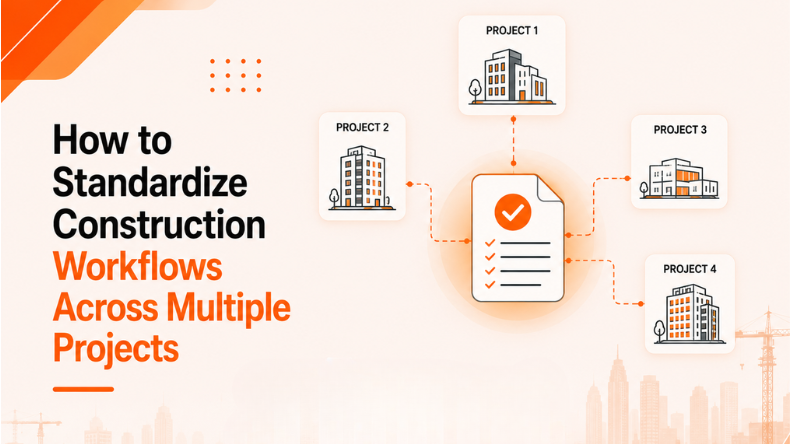 CONSTRUCTION WORKFLOW AUTOMATION
Managing multiple building sites is a very hard task for construction teams. It becomes challenging...
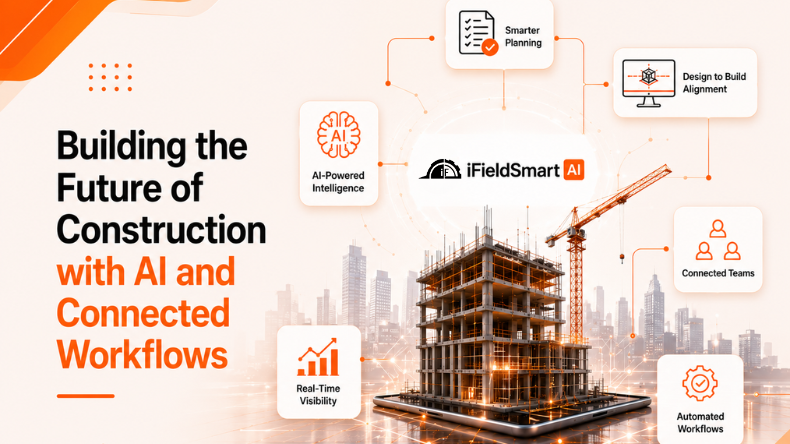 CONSTRUCTION WORKFLOW AUTOMATION
The construction industry produces and processes large volumes of data in digital forms such as...
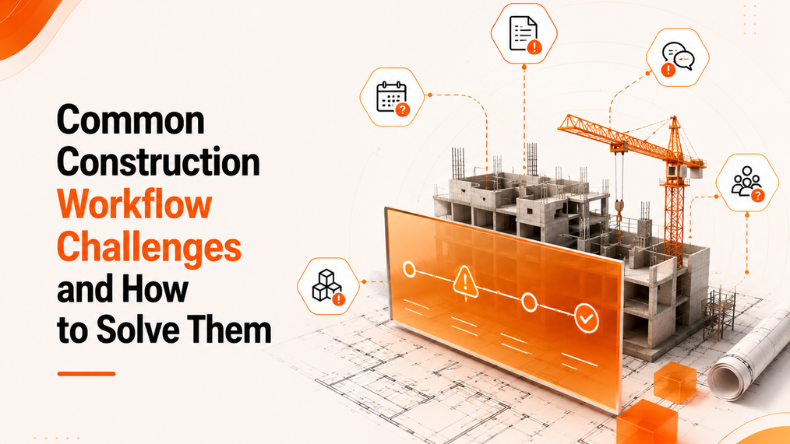 CONSTRUCTION WORKFLOW AUTOMATION
A construction project generates a huge volume of drawings, specifications, RFIs, submittals, BIM models, and...