
01 — Coordinate
Navisworks
Open the latest trade models. Review clashes. Create viewpoints and RFIs.

See what’s designed. See what’s built. See them together.
Connect Navisworks, BIM coordination, and the real jobsite in one workflow.
Move from coordination to construction without losing context.
From Model to Jobsite
Keep BIM, coordination, RFIs, and field conditions
connected from the office to the jobsite.
One Workflow
Coordinate in Navisworks. Connect in the cloud. Resolve in the field.
01 — Coordinate
Open the latest trade models. Review clashes. Create viewpoints and RFIs.
The model, the issue, the discussion, and the site stay connected.
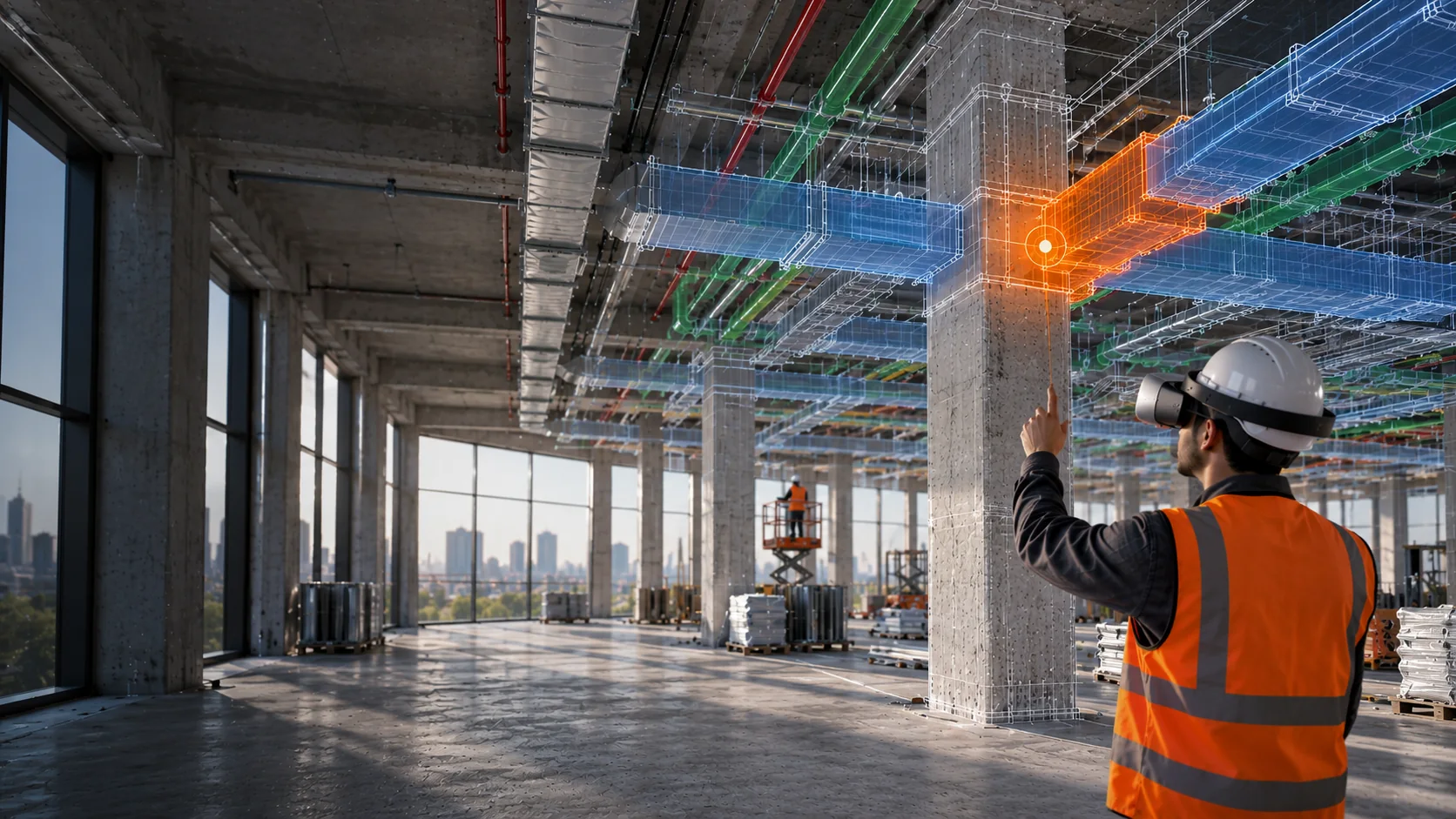
Coordinate in Navisworks. Continue on the Jobsite.BIM-to-Reality Mapping on Meta Quest
See the Design Against What’s Being Built. Align your BIM model with the real jobsite using Meta Quest and see your design in its actual environment.


Use Oculus for immersive experiences or access model viewing and mapping on Android, iOS, and iPad.
Find it in the model. See it on the jobsite. Resolve it in context.
Context
See the discussion and field conditions alongside the model.
Keep each discussion with its viewpoint. Find the decision without searching through a full meeting recording.
View documented jobsite conditions beside the BIM model in Navisworks.
Connect the model, decisions, and field context.
Who it’s for
Coordinate models, clashes, viewpoints, and RFIs.
Connect coordination decisions with field conditions.
See design and field information in one workflow.
Bring the model into the physical space and capture issues where they happen.
Get clearer visibility into design coordination and site conditions.
Connect the model, the decisions, and the jobsite in one workflow.
Explore VDC + Mixed Reality


